FaceId authentication in iOS11, Swift 4
iPhone X released on 11/03/2017 and the most intriguing feature is FaceId authentication. How about adding FaceId authentication for login to our own app?. This article covers code implementation for it. Let’s dive in!
Complete movie demo of the code is uploaded here. All the code in this article can be downloaded / cloned from github.
Here is the screenshot of the output of the project explained in this article.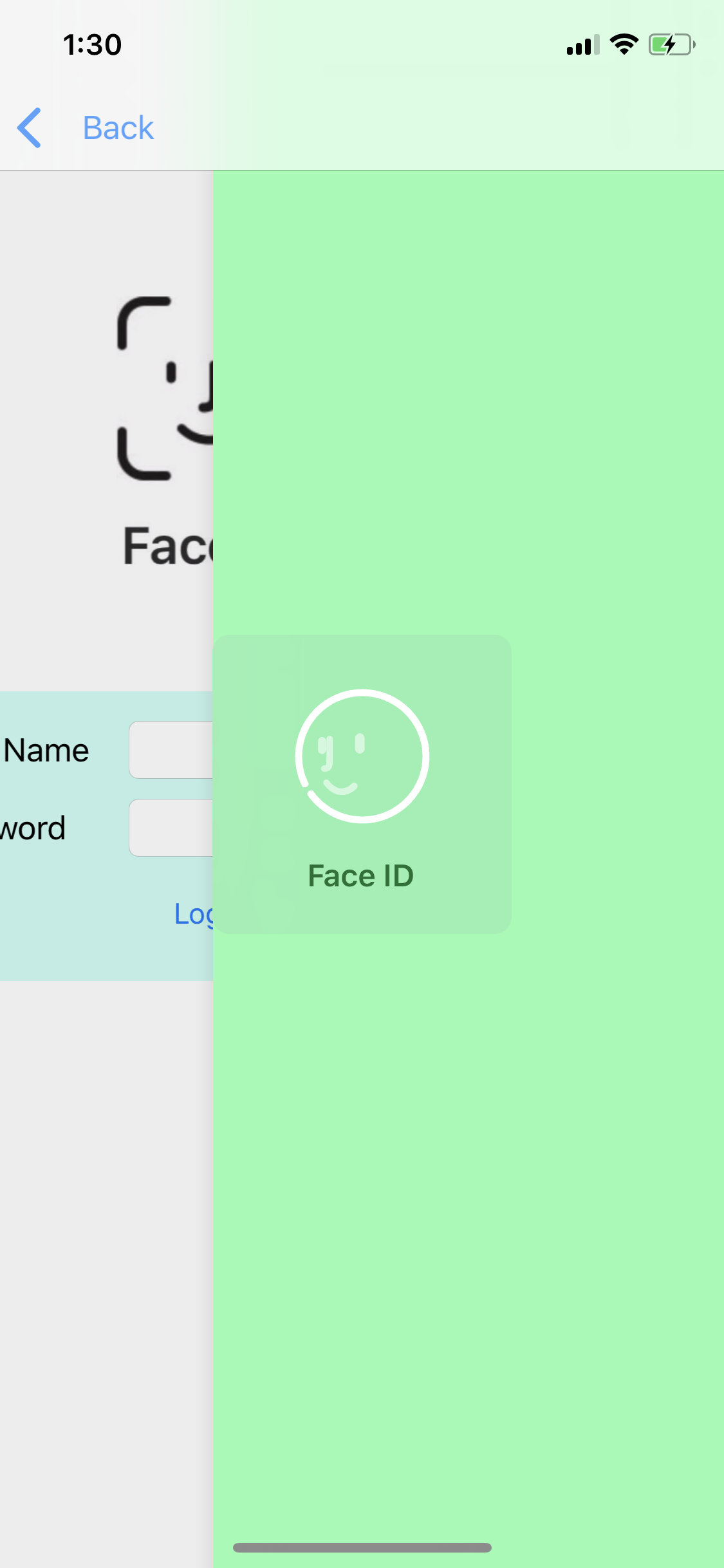
Overview
Apple provides the LocalAuthentication framework from iOS 8 for touch Id authentication. Face Id uses the same framework.
The LocalAuthentication framework provides facilities for requesting authentication from users with specified security policies. LocalAuthentication automatically provides the interface for evaluating authentication policies and access controls, managing credentials, and invalidating authentication contexts with LAContext
Evaluating Authentication Policies:
LAContext object provides the below methods to check device capability for biometric authentication and to do the actual authentication.
-
- canEvaluatePolicy : This method returns true if device is ready for biometric authentication. Otherwise, it returns false and populates the NSError with the error code.
var authError: NSError? localAuthenticationContext.canEvaluatePolicy(.deviceOwnerAuthenticationWithBiometrics, error: &authError) - evaluatePolicy: If canEvaluatePolicy returns true, we can call evaluatePolicy that shows interface for biometric authentication along with multiple prompt messages for retry option. The reply completion handler returns arguments (success,error) which can be used to determine success or the failure error code.
localAuthenticationContext.evaluatePolicy(.deviceOwnerAuthenticationWithBiometrics, localizedReason: "Required for login", reply: { (success, error) in
//Handle for success and error scenarios
            })
- canEvaluatePolicy : This method returns true if device is ready for biometric authentication. Otherwise, it returns false and populates the NSError with the error code.
User Authentication Prompts:
LAContext provides below 3 string properties to prompt the user
var localized The localized explanation for authentication shown in the dialog presented to the user.
var localized The localized title for the fallback button in the dialog presented to the user during authentication.var localized The localized title for the fallback button in the dialog presented to the user during authentication.
Here is what see so far.
  func authenticationWithBiometricID() {
        let localAuthenticationContext = LAContext()
        localAuthenticationContext.localizedFallbackTitle = "Use Passcode"
        var authError: NSError?
        if localAuthenticationContext.canEvaluatePolicy(.deviceOwnerAuthenticationWithBiometrics, error: &authError) {
            localAuthenticationContext.evaluatePolicy(.deviceOwnerAuthenticationWithBiometrics, localizedReason: reasonString) { success, error in
                if success {
                    // Authenticationsuccess scenario
                } else {
                    guard let error = error else {
                        return
                    }
                  // Authentication fail scenario
                }
            }
        } else {
            guard let error = authError else {
                return
            }
            // device not capable scenario
        }
    }
Authentication Fail Error Reason
When authentication fails either at canEvaluatePolicy or at evaluatePolicy, error code is that is returned can be used to fail reason.
Below is the complete function that maps the error reason for each error code.
    func errorMessageForFails(errorCode: Int) -> String {

        var message = ""

        switch errorCode {
        case LAError.authenticationFailed.rawValue:
            message = "Authentication was not successful, because user failed to provide valid credentials"

        case LAError.appCancel.rawValue:
            message = "Authentication was canceled by application"

        case LAError.invalidContext.rawValue:
            message = "LAContext passed to this call has been previously invalidated"

        case LAError.notInteractive.rawValue:
            message = "Authentication failed, because it would require showing UI which has been forbidden by using interactionNotAllowed property"

        case LAError.passcodeNotSet.rawValue:
            message = "Authentication could not start, because passcode is not set on the device"

        case LAError.systemCancel.rawValue:
            message = "Authentication was canceled by system"

        case LAError.userCancel.rawValue:
            message = "Authentication was canceled by user"

        case LAError.userFallback.rawValue:
            message = "Authentication was canceled, because the user tapped the fallback button"

        case LAError.biometryNotAvailable.rawValue:
            message = "Authentication could not start, because biometry is not available on the device"

        case LAError.biometryLockout.rawValue:
            message = "Authentication was not successful, because there were too many failed biometry attempts and                          biometry is now locked"

        case LAError.biometryNotEnrolled.rawValue:
            message = "Authentication could not start, because biometric authentication is not enrolled"

        default:
            message = self.errorMessageForFailsDeprecatediniOS11(errorCode: errorCode)
        }

        return message
    }


    func errorMessageForFailsDeprecatediniOS11(errorCode: Int) -> String {
        var message = ""
        if #available(iOS 11.0, macOS 10.13, *) {
               message = "unknown error"
        } else {
            switch errorCode {
            case LAError.touchIDLockout.rawValue:
                message = "Authentication was not successful, because there were too many failed Touch ID attempts and Touch ID is now locked. Passcode is required to unlock Touch ID"

            case LAError.touchIDNotAvailable.rawValue:
                message = "Authentication could not start, because Touch ID is not available on the device"

            case LAError.touchIDNotEnrolled.rawValue:
                message = "Authentication could not start, because Touch ID is not enrolled on the device"
            default :
                message = "unknown error"
            }
        }

        return message
    }
The GitHub link for this project has MTBiometricAuthentication class that you can add to your project. Just create an instance of it, add notification observer as below.
NotificationCenter.default.addObserver(self, selector: #selector(LoginVC.authenticationCompletionHandler(loginStatusNotification:)), name: .MTBiometricAuthenticationNotificationLoginStatus, object: nil
Now call authenticationWithBiometricID() function and app will notified of success or fail reason via post notification. You are all set with biometric authentication. After evaluating authentication, app will be notified with success or fail reason in post notification handler as in below code.
   @objc func authenticationCompletionHandler(loginStatusNotification: Notification) {
        if let _ = loginStatusNotification.object as? MTBiometricAuthentication, let userInfo = loginStatusNotification.userInfo {
            if let authStatus = userInfo[MTBiometricAuthentication.status] as? MTBiomericAuthenticationStatus {
                if authStatus.success {
                    print("Login Success")
                    DispatchQueue.main.async {
                        self.onLoginSuccess()
                    }
                } else {
                    if let errorCode = authStatus.errorCode {
                        print("Login Fail with code \(String(describing: errorCode)) reason \(authStatus.errorMessage)")
                        DispatchQueue.main.async {
                            self.onLoginFail()
                            }
                    }
                }
            }
        }
    }
For any questions on this topic, drop a comment and I will be glad to respond. Happy coding!

Passionate about learning new things. Loves coding and problem solving. Built apps from scratch on iOS platform with Swift, Objective – C, HTML 5, javascript, Cordova, Xamarin using both MVC and MVVM. Coded extensively in .Net and Database technologies before moving to mobile development.
Spends free time playing with my kid and watching TV.